| Steps to reproduce:
- Go to the Information tab and set "Activate Heading Numbering" > Activated
- Edit the page and add a few Headings
- Right-click on the header to deactivated the numbering
Expected result: Numbers can be deactivated on a header by right-clicking on it and click on the Skip Numbering: Activate entry as described : https://extensions.xwiki.org/xwiki/bin/view/Extension/Numbered%20Content/Numbered%20Headings%20Application/#HNumberingdeactivation Actual result: When right clicking there is no "Skip Numbering: Activate" option: 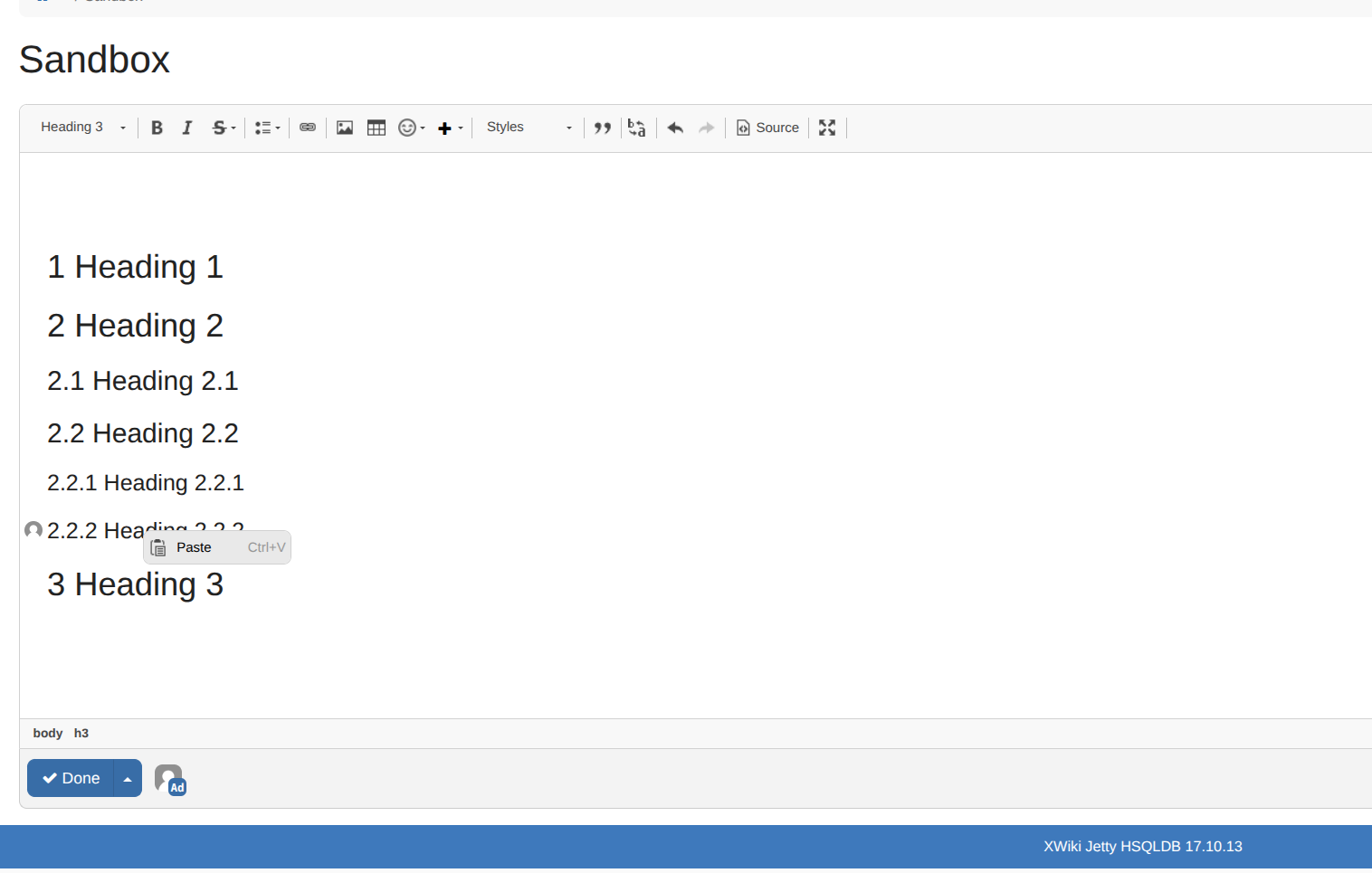
|
